About Live Apps
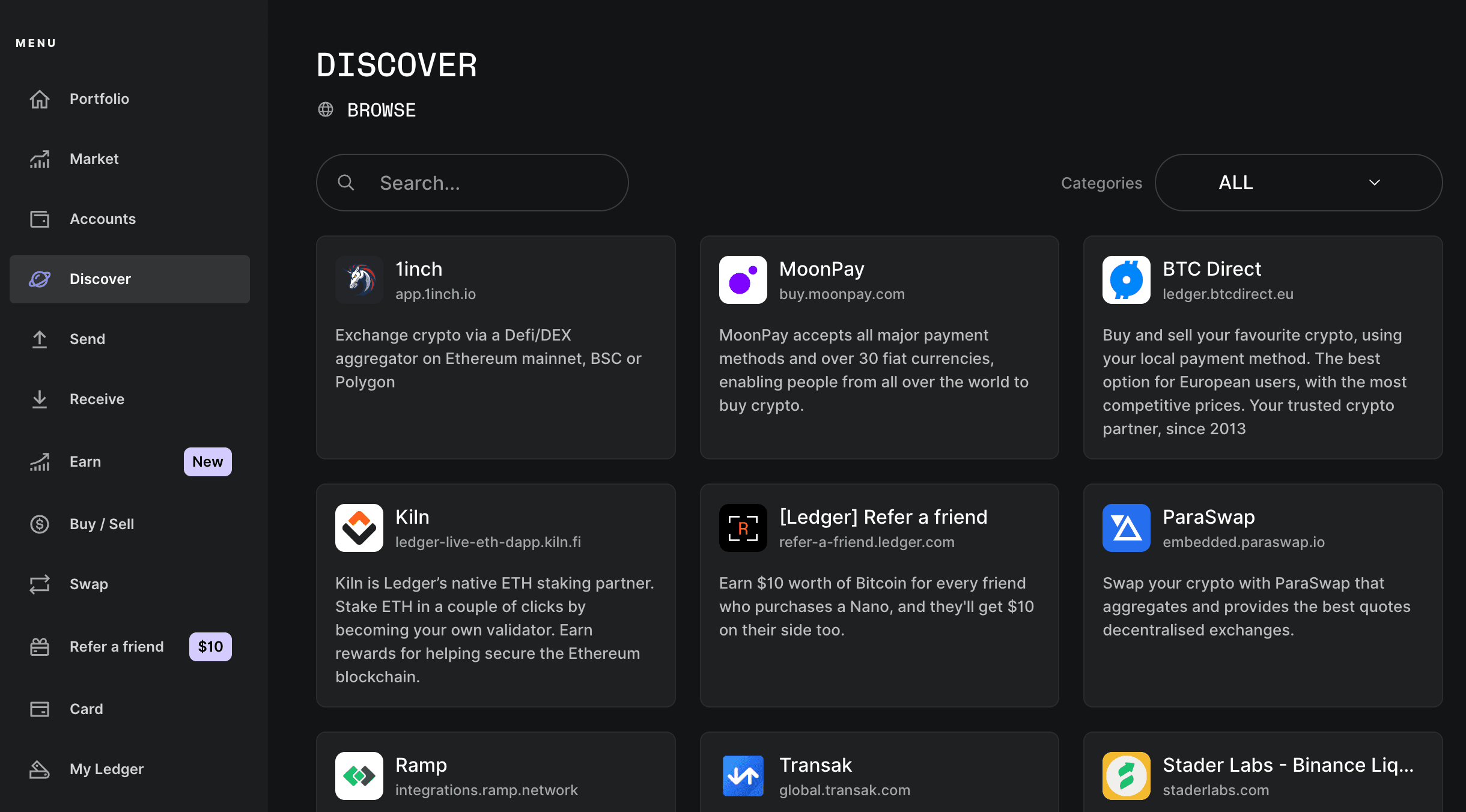
Live Apps are web applications that run inside Ledger Wallet. Discover, shown below, is the curated list of those apps. The business team chooses which apps appear there, after the apps have been tested and can interact with a Ledger signer. Other Live Apps are opened from search. Search connects the app to the wallet and uses Clear Signing on the signer. Search is free for users and for partners.
A Live App is loaded from a manifest. The manifest names the app, the URL Ledger Wallet opens, the networks the app uses, and the Wallet API permissions it may request. Developer mode loads a manifest from your machine so you can try the app before it is in the catalog. That is a test path, not a second kind of app.
Two integration styles sit on top of that manifest. The dApp browser injects a provider into the page, which is enough when the app speaks a standard wallet provider. The Wallet API is the path when the app needs a finer contract: listing accounts, requesting a signature, or talking to a Wallet API server. An app uses one of these, or both, depending on how much of the wallet it needs to call. The Live App tutorial follows the Wallet API path from an empty project to a manifest you can import.
Clear Signing is separate from how the app is loaded. If a transaction’s data should be readable on the signer, the app either publishes ERC-7730 metadata or, when that schema does not fit, ships an Ethereum plugin. Plugins are not the default. They need a plugin slot from Ledger, and the manifest then names that plugin in dapp.nanoApp.
Summary
Discover is a curated catalog. Search opens other Live Apps the same way. The manifest is what Ledger Wallet loads, the dApp browser or the Wallet API is how the page talks to the wallet, and Clear Signing is how the signer shows the transaction.
