---
title: Ledger Wallet Provider
category: explanation
---
# Ledger Wallet Provider
Give your users a first-party Ledger experience inside your application with
secure signer pairing, Clear Signing, and Transaction Check built in.
## What is Ledger Wallet Provider
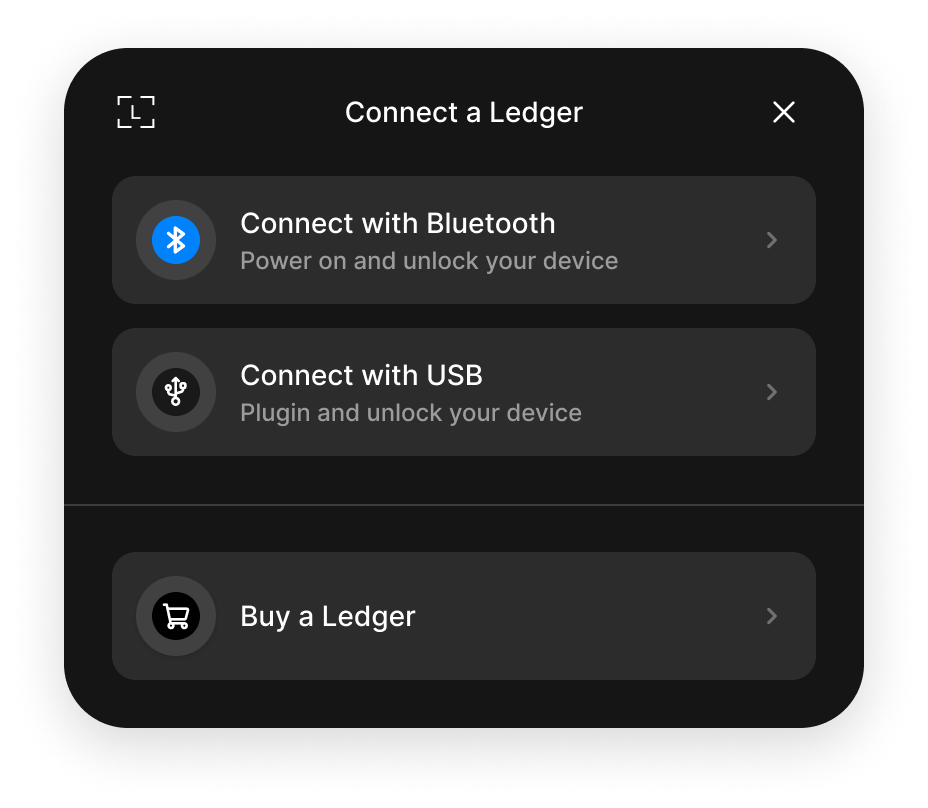
Ledger Wallet Provider is a web component SDK that embeds Ledger's official connect flow directly inside your application, enabling direct signer connections and ensuring full access to Ledger's security features like Clear Signing and Transaction Check.
The SDK handles USB and Bluetooth connections, automatically enables Clear Signing and Transaction Check, and exposes standards-based providers for the blockchain families you register. The main package is [`@ledgerhq/ledger-wallet-provider`](https://www.npmjs.com/package/@ledgerhq/ledger-wallet-provider), initialized via `initializeLedgerProvider`. After initialization, the SDK announces the blockchain families enabled in your partner configuration — an [EIP-1193](https://eips.ethereum.org/EIPS/eip-1193) provider via [EIP-6963](https://eips.ethereum.org/EIPS/eip-6963) for Ethereum, and/or a [Wallet Standard](https://github.com/wallet-standard/wallet-standard) wallet for Solana (v2+).
## What you get with Ledger Wallet Provider
✓
Built-in security
Clear Signing and Transaction Check enabled automatically
✓
Complete user flow
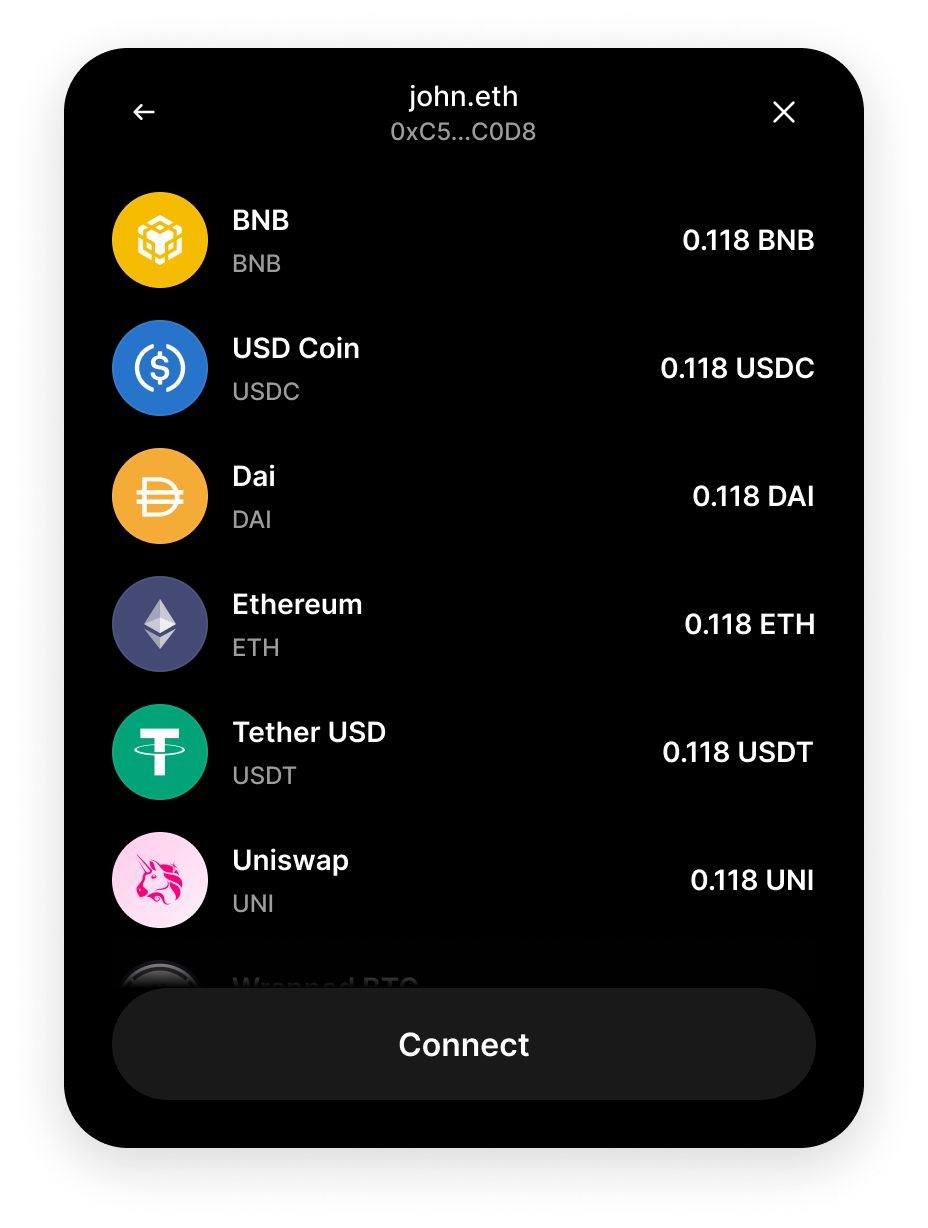
Handles signer pairing, account selection, and connection state
✓
Standard integration
EIP-1193 provider works with any JavaScript framework
✓
Managed transports
Ledger maintains USB and Bluetooth connection layers
## Limitations
The SDK runs entirely in the browser. It does not support server-side rendering (SSR): use dynamic imports to load it only in a browser context. Mobile browsers are not supported because Web HID and Web Bluetooth APIs are not available on iOS or Android. For full environment requirements, see [Requirements](./requirements).
## Where to go next
[Requirements →
Check browser and platform requirements before you start
](./requirements)
[Get started →
Install the SDK and family packages, then initialize Ledger Wallet Provider
](./get-started/v2)
[EVM →
Connect and sign with EIP-6963 / EIP-1193
](./blockchains/evm)
[Solana (v2+) →
Connect and sign with Wallet Standard
](./blockchains/solana)
[Configuration →
Explore all initialization options
](./configuration)
[API reference →
Explore events, methods, and provider capabilities
](./api-reference)